




FIXADO
Is a command prompt exe file with all the commands already embedded
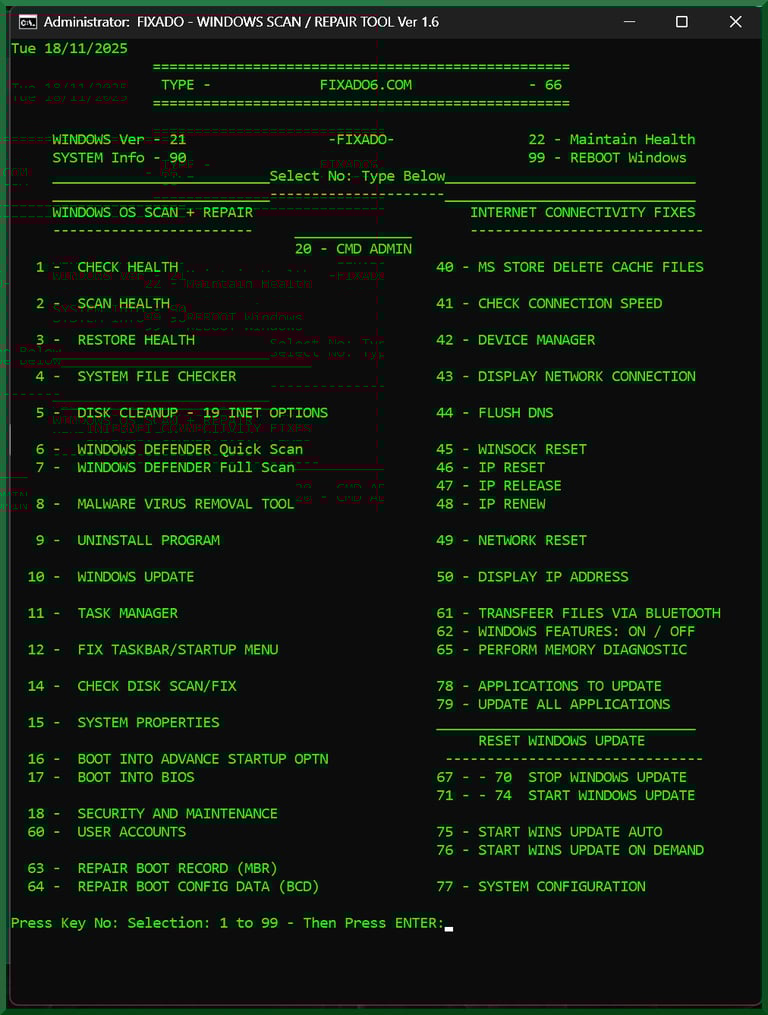
FIXADO - Scan/Repair Command Prompt Tool is easy to use by selecting the number to address and fix an issue with your PC.
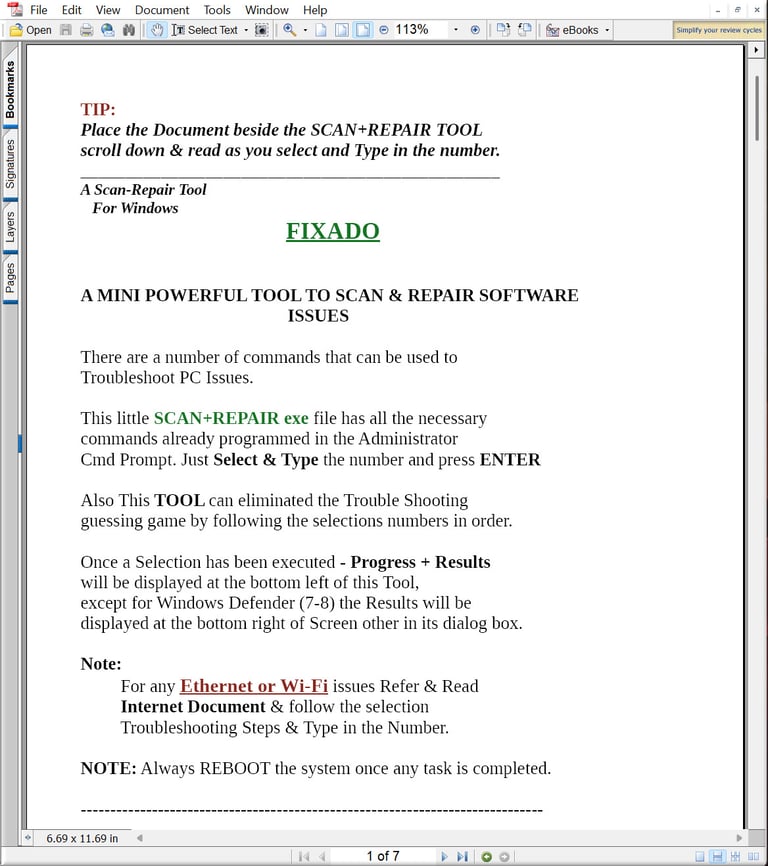
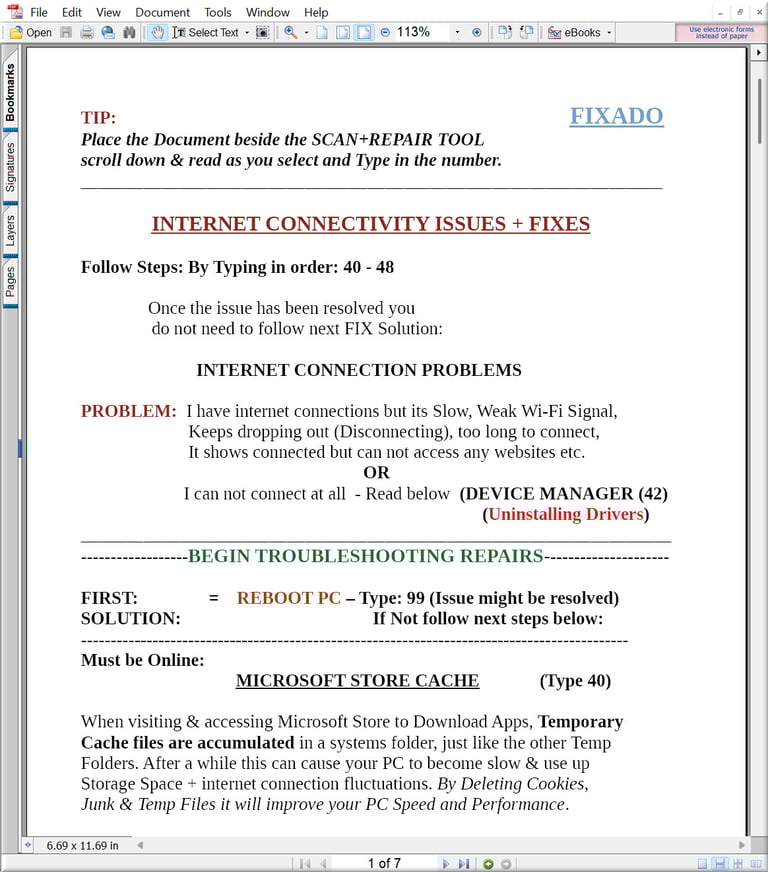
Also it comes with a simple guidance
PDF Files explaining each selection if
you require the assistance, as you select the numbers to perform the scan & repair.
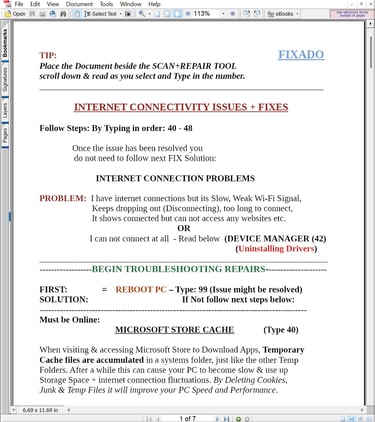
FIXADO - was created by me 'Eddy' using a
batch file a method to incorporate the repair
commands used in the command Prompt
Window. The commands are all embedded
in the batch file converted into a .exe file.


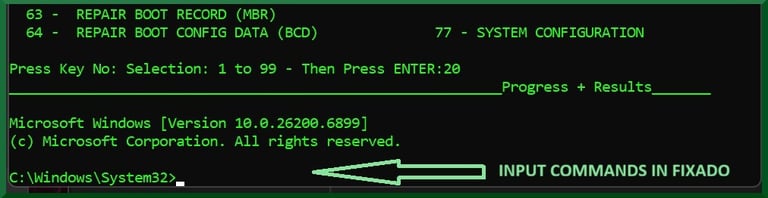

Selection: 20
Will access the command prompt within FIXADO as
Administrator level at the bottom of the Program.
Those who are well rehearsed with Windows Repair Commands can input a command and press Enter.
Use Google Search - 'Windows Repair Commands'
It's another useful way you can use FIXADO Program



FAQ
What is Fixado?
Is it safe?
What systems supported?
Can I try it?
Place Fixado on Desktop & Double click to Execute the Command Program
Select Scan/Repair Numbers in Sequence until the issue is resolved or Select the appropriate Scan/Repair Number to resolve an issue.
Anyone can use it just select a scan/repair number and Press Enter
The Command Prompt Program can be used several times without harming your Operating System including Software Installed and Personal Files
Fixado - Command Prompts selection:
There are number of command prompts chosen and embedded to Scan - Repair & Optimize
Here are a few examples:
Check Health
Scan Health
Restore Health
Disk Clean up - Delete Temp files
Virus Scan - Windows Defender
Malware Removal
Repair Taskbar issues
Check Disk Scan & Fix
Repair Windows Update
Memory Diagnostics
Repair Internet issues
Fix Connectivity issues
Network Repair
Repair Boot Record
FEATURES
It's a Command Prompt Scan/Repair Tool that can solve computer issue's
It is supported on Windows 10 & Windows 11 all versions
How does it work ?